
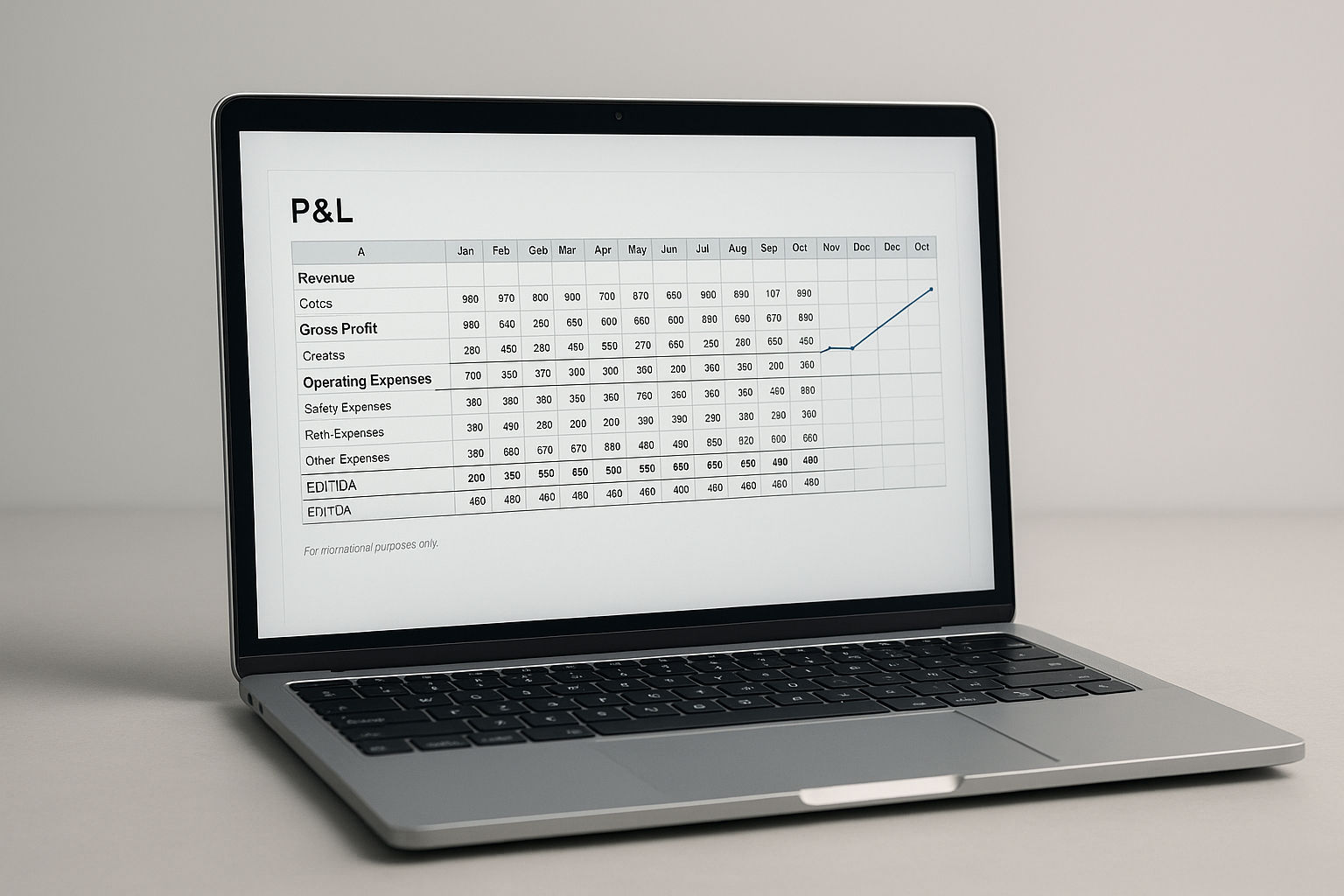

Excel P&L Basic Template (Editable)
Build a clear monthly profit-and-loss view without starting from a blank spreadsheet.
Best for
- Freelancers, small businesses, side projects, startups, and small finance teams
- Anyone who needs a straightforward monthly P&L for internal or external review
What you get
- Monthly Revenue, COGS, Operating Expenses, Gross Profit, and EBITDA sections
- Clean subtotals, totals, and a print-ready layout
- A structure that can be extended for Budget, Prior Year, and variance columns
- A practical base for consistent account naming and trend charts
Why it helps
Enter monthly values, let the key subtotals calculate, and turn basic financial data into a report that is easier to review and share.
Compatibility & requirements
Microsoft Excel is required to edit the template.
Data & privacy
Your financial data remains in your workbook unless you choose to share it.
€0.00Price
)